
Equipment configuration
Ready to use starts before delivery.
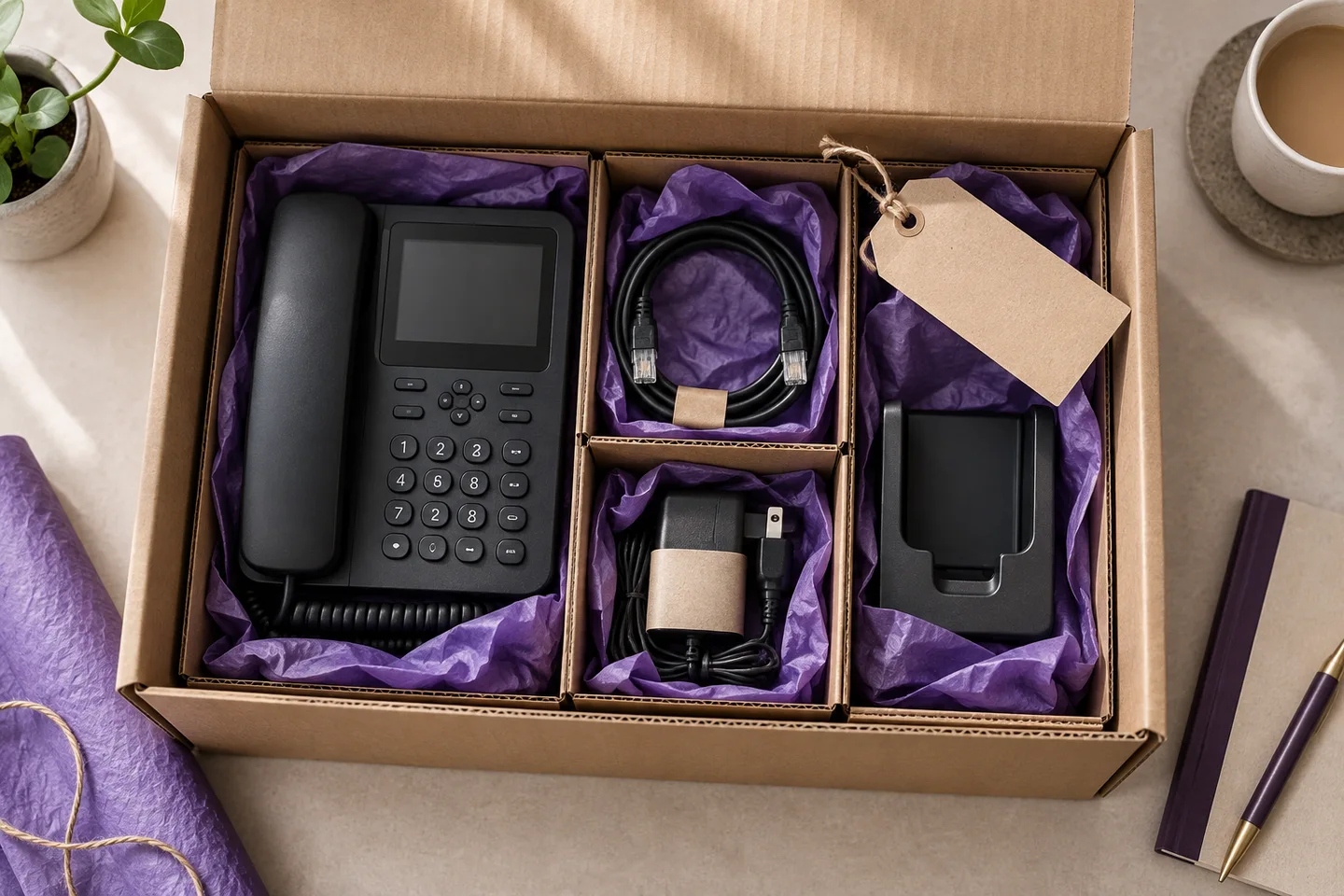
An equipment order is easier to prepare when each device has an intended user, location and phone platform. Keep those details with the design.
Get the important details right
What this means for your business.
For a new design
Use the builder extension plan as the reference for device assignments.
For an existing system
A real order needs the correct account and extension confirmed through a secure process.
For another platform
Check the model, firmware and provisioning method before assuming a device will work.
A practical way forward
Check the order and delivery journey.
Keep the choices, responsibilities and outstanding questions together. That makes the next conversation more useful.
Delivery and returns →- 01
Choose the equipment
Match each device to the role and location.
- 02
Agree preparation
Specify what configuration is included and who supplies the required information.
- 03
Check on arrival
Review the contents, connections and agreed behaviour before acceptance.
Before you take the next step
Your questions, answered.
Need to check a specific requirement? Call 0330 0883 750.
Should I enter my SIP password here?
No. This is a planning preview. Credentials belong in the future secure provisioning workflow or another expressly agreed secure process.
Is installation the same as configuration?
No. Preparing a device and installing it on site are distinct tasks. Cabling, connectivity, power and training should be separately scoped.