
Business VoIP explained
Business VoIP, without the jargon.
VoIP carries voice over an internet connection. Your business numbers, extensions and call routes are configured as a system rather than being tied to a traditional phone line.
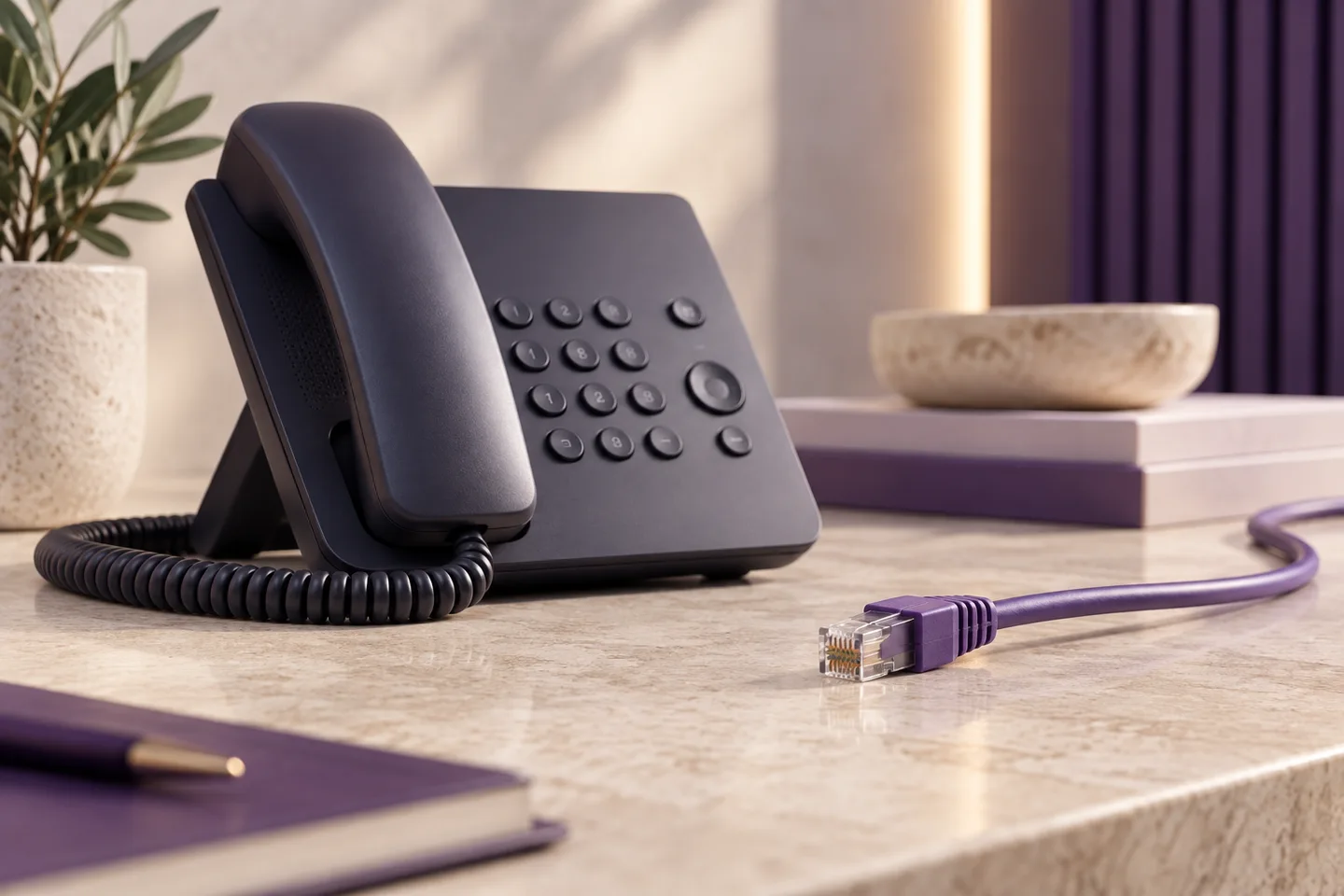
Get the important details right
What this means for your business.
The number is the starting point
An incoming number can lead to a greeting, a team, a menu or another agreed destination.
The device is a choice
Compatible desk phones and other supported devices let people use their extensions.
The connection matters
Power and internet availability affect the service. Plan continuity and a working alternative for emergency contact.
A practical way forward
See how this works for your team.
Keep the choices, responsibilities and outstanding questions together. That makes the next conversation more useful.
Build your system →- 01
Understand the route
Separate the business number from the people and devices that answer it.
- 02
Check the premises
Review connectivity, cabling and handset power.
- 03
Try a design
Use the simulator to see how hours and teams change the caller journey.
Before you take the next step
Your questions, answered.
Need to check a specific requirement? Call 0330 0883 750.
Is VoIP the same as a mobile phone call?
Both can be used for business conversations, but a hosted phone system adds managed numbers and shared routing. The underlying connectivity and emergency arrangements differ by service.
Does it work without electricity?
Internet-based phones and networking equipment need power. Plan suitable continuity and a separate working way to contact emergency services.